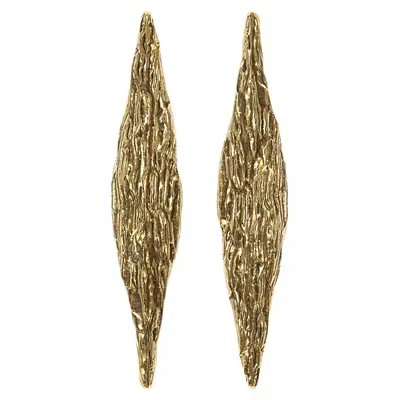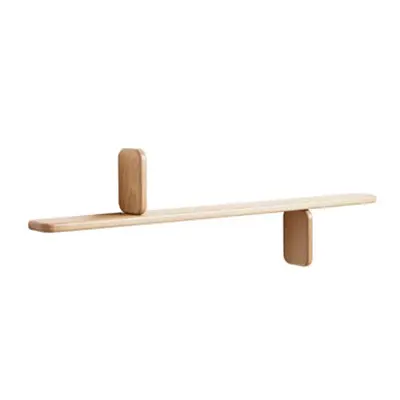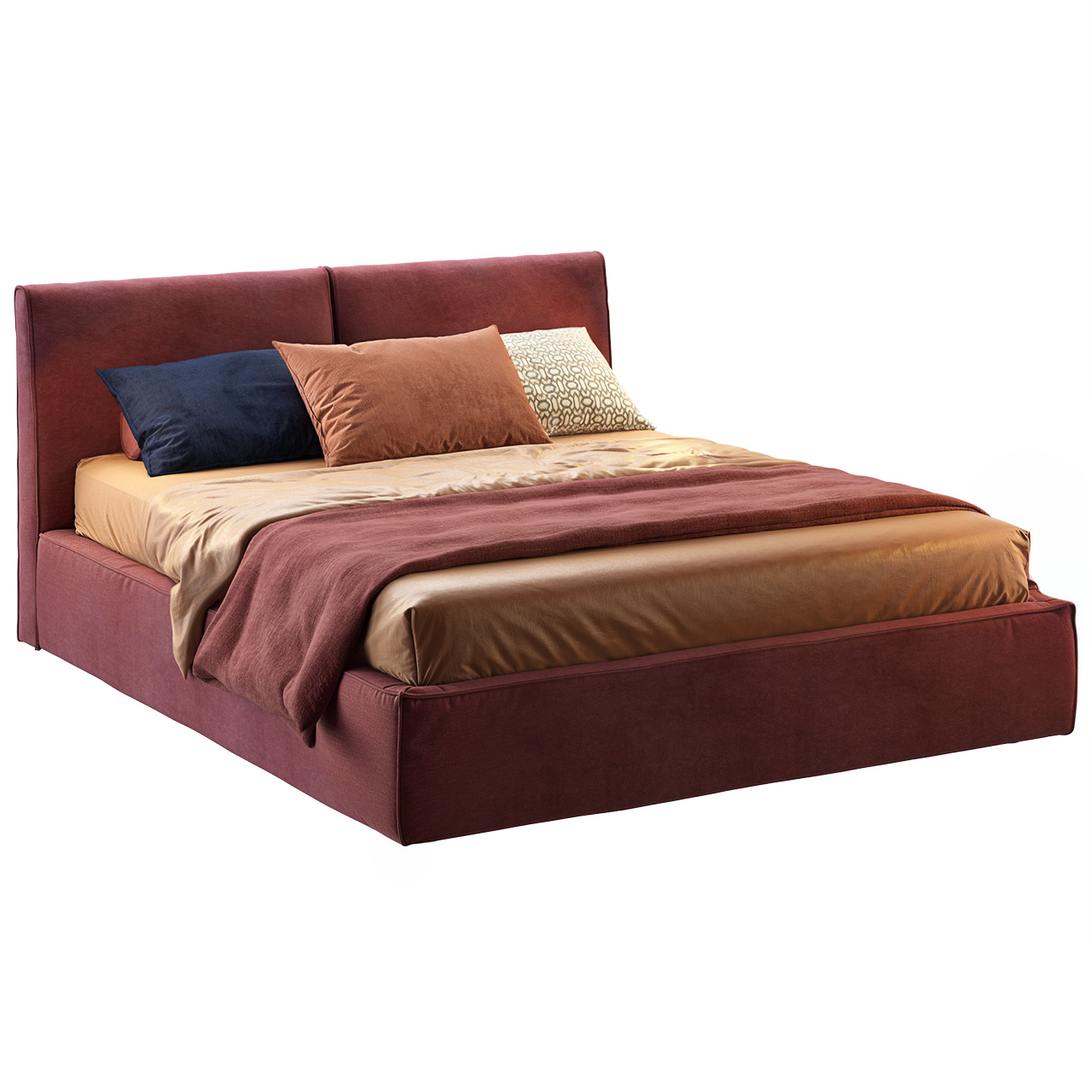

fbx
Rattan Outdoor Chair And Side Table Set
$5.40PRO-12% ·$4.75
D5_1ct45q6asx0sfn
The assets behind your next idea
Start with ready-made furniture and decor in FBX and OBJ. Use the Codex prompt below to turn your selected assets into a Blender scene with a layout, lighting and cameras.
Free & premium selectionsFormats shown per asset
A curated mix of seating, bedroom pieces, lighting and decor in FBX and OBJ. Find your next focal point, then check its files and license.

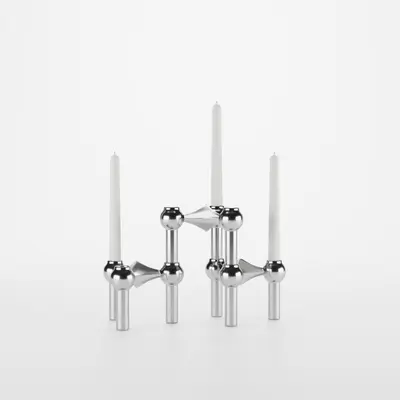
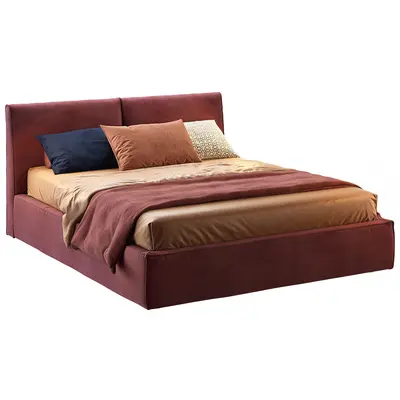
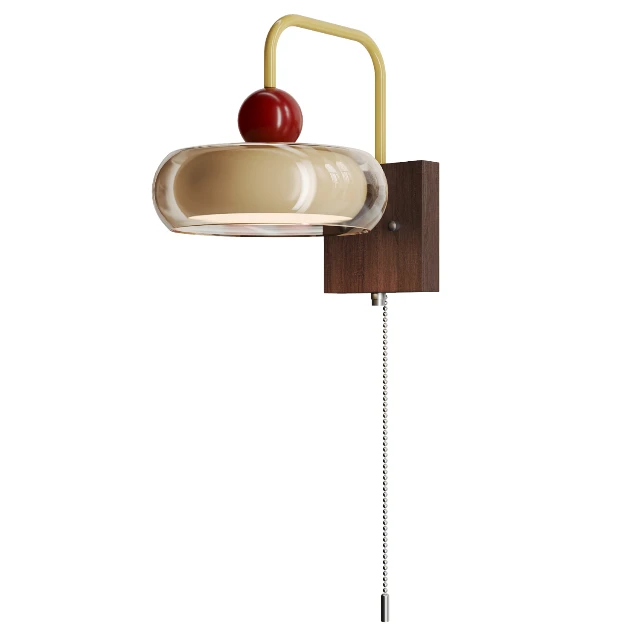
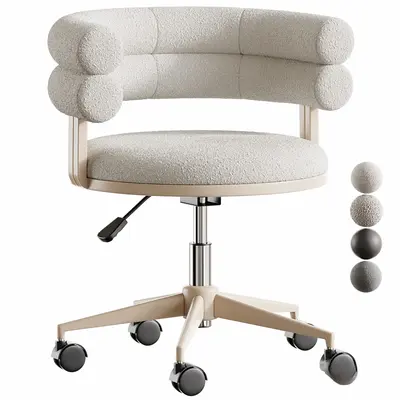


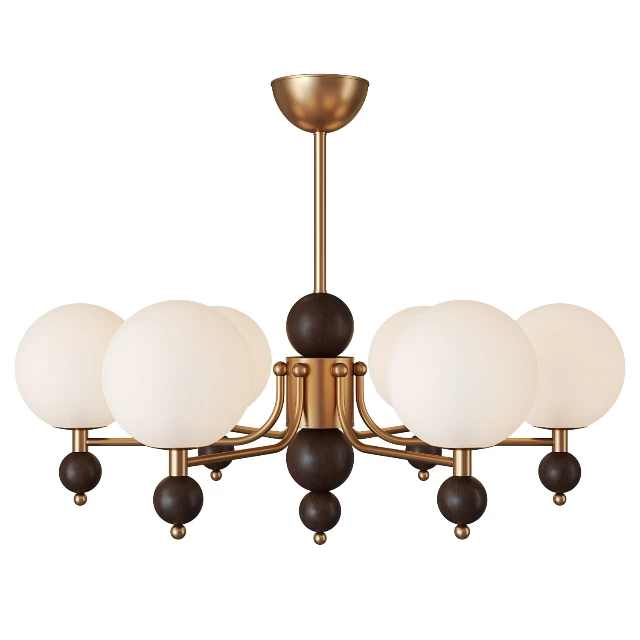


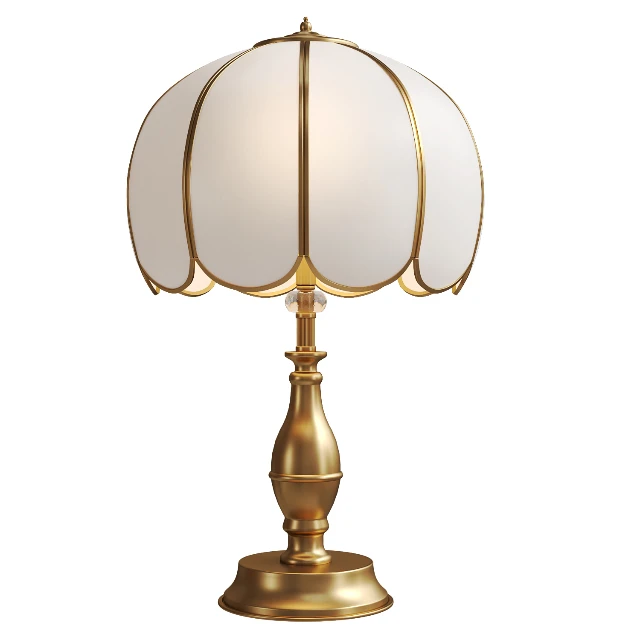
Start with a marble dining table, then add shelving and decorative details. These free selections carry Personal licenses; review permissions before using them in a project.
Download your selected models, give Codex your folder path and scene idea, then review the result in Blender.
Put the models you have selected into one folder. FBX downloads are .fbx files; OBJ downloads are archives. Keep any accompanying textures. The prompt asks Codex to unpack OBJ archives and preserve their folders.
Copy the prompt below into Codex. Replace the two folder paths and describe the room you want. Your downloaded models are already selected: Codex should use them together, without asking you to select them again.
With access to Blender and your files, Codex can attempt the import, layout, lighting and preview render. Review the saved scene and reported issues. If execution is unavailable, use the generated script and running instructions.
These selections list available FBX or OBJ files. They have not been individually tested in Blender for this collection. Import settings, textures and materials may need adjustment.
Use the models you have already downloaded together in one interior scene. No second selection or separate ChatGPT plan is required.
Expected output: a Blender scene with your furniture, room, lighting and cameras, plus a preview image when rendering succeeds.
You can discuss a style or layout in ChatGPT first and paste the result into the scene brief. This is optional; you do not need a separate planning prompt to get started.
Replace the 3 highlighted fields after copying.
Use your actual local folder paths and describe the scene you want to build.
Use the assets I have already selected and downloaded from D5 Works to build a complete interior scene in Blender.

Asset folder: [replace with the full local folder path]
Output folder: [replace with the full local output folder path]
Scene brief: [describe the room and style, for example a warm modern bedroom centered on my selected bed]

The different products in this folder are my chosen assets. Do not ask me to select them again. Use them together where appropriate; import duplicate files or alternative formats of the same product only once.

1. Inspect the environment and files
Check whether Blender is available and identify its version.
FBX downloads are .fbx files. OBJ downloads are archives: identify the archive format and extract each into its own subfolder, preserving the OBJ, MTL and texture directory structure.
Keep source files unchanged. Report any archive you cannot extract.
When you can inspect files yourself, do not ask me to transcribe their information.

2. Import and inspect the models
Use import methods supported by the installed Blender version.
Preserve the original geometry and materials. Check dimensions, orientation and texture paths.
Report unclear scale or missing textures; do not guess real dimensions, arbitrarily rescale furniture or silently replace materials.

3. Build a scene around these assets
Design a room layout that suits the scene brief and furniture dimensions.
If room dimensions are unspecified, propose suitable dimensions and label them as assumptions.
Create the necessary floor, walls and openings. Arrange the selected furniture with clear circulation and reasonable spacing.
Keep the chosen furniture rather than replacing it with other models.
Explain if any selected asset cannot reasonably fit the scene.

4. Set up lighting and cameras
Create lighting appropriate to the intended style and a main camera that shows the room and key furniture.
Render a draft when possible, inspect intersections, floating objects, obstructions and composition, then adjust.

5. Deliver the result
Save a new scene.blend and, if rendering succeeds, scene-preview.png in the output folder.
Never overwrite source files or existing outputs; use a new filename if needed.
Summarize the assets used, layout and dimension assumptions, completed actions and unresolved issues.

If this environment cannot execute Blender, provide a runnable script and specific instructions. Clearly distinguish a generated script from an actually built or rendered scene.
Download your chosen assets first. Replace the bracketed fields with your paths and scene idea, then paste the prompt into Codex with access to the folder and Blender. OBJ archives need extraction before import; .fbx files can be imported directly. This template has not yet been verified in an end-to-end scene-building test.
Interested in the broader workflow? OpenAI’s Astra introduction includes a Blender house model and an Unreal Engine walkthrough.
Explore the official example ↗A few practical details about formats, licenses and your workflow.
These assets are available in the formats shown on each product page. FBX or OBJ can be a starting point for a Blender workflow, but import settings and material adjustments vary. This collection does not claim that every asset has been tested in Blender. Astra also needs access to your files and software to help with the scene.
Use the single Codex prompt above with your downloaded asset folder and scene idea. It asks Codex to unpack OBJ archives, import your selected models, arrange the room, set up lighting and cameras, and save the result. Execution requires access to Blender and the files. ChatGPT can help discuss the design beforehand, but that step is optional.
This page links to D5 Works product pages for downloads. Follow the sign-in, purchase and license requirements shown there, then unpack the files for your Blender workflow. The prompts do not provide a direct download integration or a combined asset pack.
The assets are provided through D5 Works. GPT-6 Astra can assist with your workflow; it is not the source of every model shown here. Check each product’s AI content disclosure for its creator’s statement.
The first collection mixes free and paid assets. The second collection contains additional free selections. Current pricing, sign-in requirements and download conditions are shown on each product page.
Free pricing and license permissions are separate. The free selections on this page carry Personal licenses. Check the product’s current license and the D5 Works License Agreement for your intended use.
This page links to individual product downloads in the listed formats. After import, you can save your own Blender scene as a .blend file. A combined starter pack is not offered on this page.
This collection focuses on a Blender workflow. Unreal Engine use requires separate checks for scale, materials, textures and import settings. A listed FBX or OBJ format is not an Unreal compatibility guarantee.
No. This is an independent D5 Works collection for a design workflow. It is not an OpenAI certification or an official OpenAI asset library.
Find an asset, check the details, and take the next step in Blender.
Copyright
© 2026 Dimension 5. All rights reserved