03 / KEEP WHAT MATTERS

Little Petra VB1
&Tradition / Viggo Boesen
- Dimensions · W × D × H
- 80 × 85 × 75 cm
- Materials
- Upholstery, wood legs
YOUR AI. YOUR DESIGN RESOURCES.
Tell your AI Agent what you need. Discover real furniture and creative assets, compare your options, and get a shortlist with sources and reasons to choose.


Give this instruction to Codex, Claude Code, or Cursor. Let your AI Agent guide the setup.
Follow https://usa.works.d5cdn.com/mcp/d5-works-mcp-install.md to install D5 Works MCP
                and its Skill.
Connected? Put your next project in motion. User guide
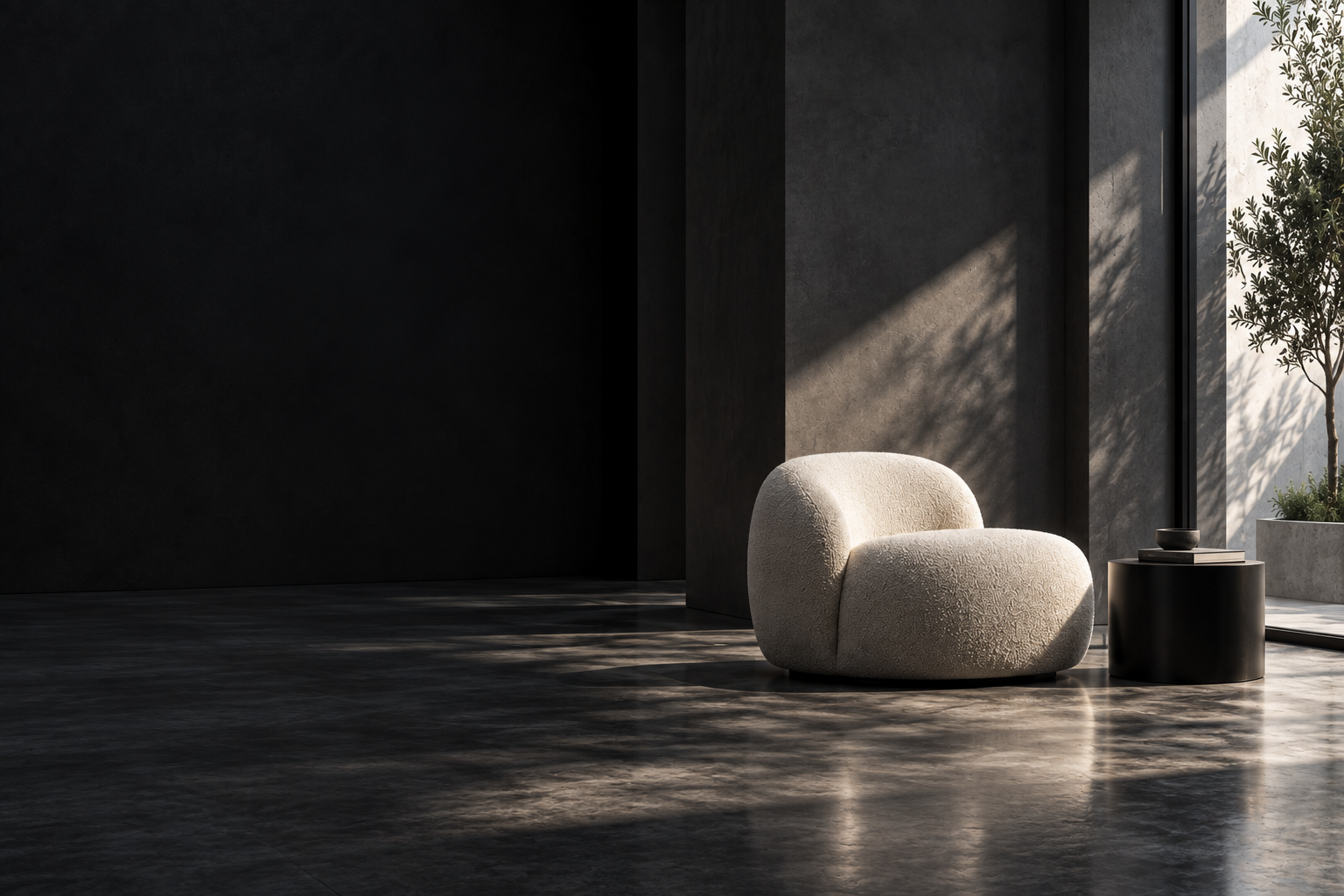
Find a lounge chair for a calm, modern living room.
&Tradition / Viggo Boesen
Connect D5 Works to the AI tools you use.
See supported setups in the guide.
 Codex
Codex Claude
 CursorRead setup guide
Copy the instruction into your Agent to get started.
Follow https://usa.works.d5cdn.com/mcp/d5-works-mcp-install.md to install D5
                      Works MCP and its Skill.
Use this example, or bring a brief of your own.
Use D5 Works to find three lounge chairs for a modern living room, with light
                      fabric upholstery and a width under 95 cm. Compare dimensions and materials,
                      include source links, and explain why you recommend each option.
FROM SEARCH TO SELECTION
Go from a promising result to its original source. Keep product and asset links close, so every choice is easier to check.
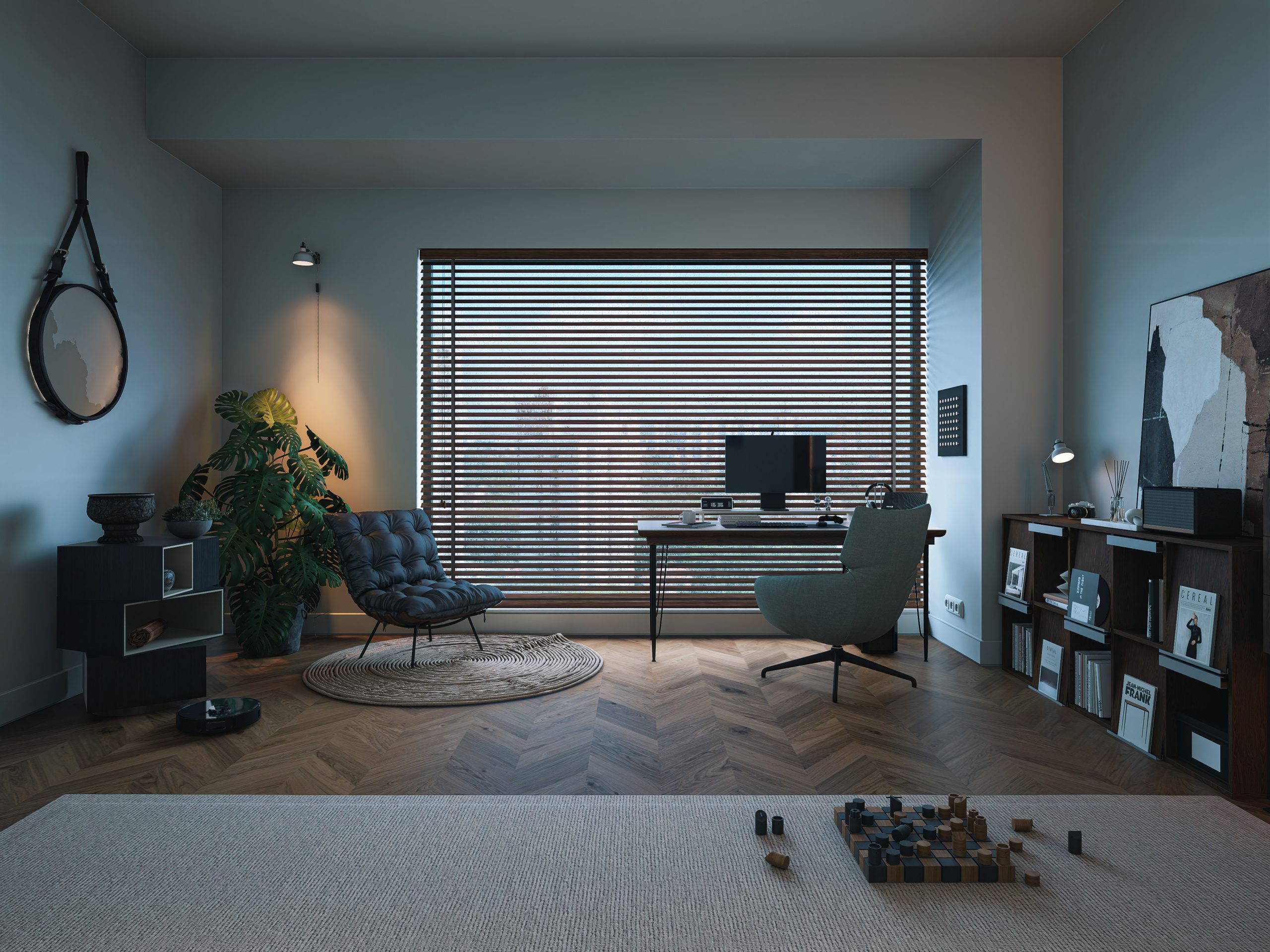 Hasnat Zobaer
Search 3D models, 2D assets, HDRIs, and PBR materials from your AI workflow. Download and use depend on resource permissions, formats, and supported tools.
ShapeDimensionsMaterialCompare shape, size, and materials against your brief. See what fits, what differs, and what still needs checking.
Bring candidates, images, source links, and recommendation reasons together. Spend your time choosing, with the details already in place.
Spend less time searching and more time designing. In internal testing, D5 Works MCP used about 61% fewer tokens and reduced average end-to-end time by 39% compared with web search.
START WITH A REAL PROJECT
Start with words, an image, or the asset your scene is missing.
Name the style, size, and materials. Let your AI Agent find brand products, compare candidates, and keep their sources together.
See the furniture guide
Hasnat Zobaer
Share a room or a furniture detail. Explore similar shapes and materials, and discover options to take your idea further.
See the reference-image guide3D · 2D · HDRI · PBR
Look for a model, an image asset, lighting, or a material. Explore 3D, 2D, HDRI, and PBR resources, then check the license and compatibility before use.
See the model guideStart with the setup guide. MCP connects your AI Agent to D5 Works; the guide takes you from installation and access to your first task.
Start with Codex, Claude Code, or Cursor, and follow the supported setup in the guide. Availability depends on the client version and configuration.
A real product source does not confirm current stock, price, or delivery to your location. Check those details with the source before purchasing.
No. Furniture products and 3D assets are searched separately. A similar-looking model is not necessarily an exact product match.
Search, download access, and import are separate steps. Downloads depend on the resource and your permissions. Import and placement require compatible software and tools.
Copyright
© 2026 Dimension 5. All rights reserved